Build a clean environment
Create independent macOS machines from IPSW images, with explicit CPU, memory, disk, and guest setup options.
 VMWorkshop
Virtualization / macOS · Apple silicon
A space for each experiment.
Give an experiment its own Mac. VMWorkshop helps you create, use, and revisit independent macOS environments without turning the host into your test machine.
Available on request
01 / Why it exists
Install macOS from an Apple restore image, keep each machine in its own bundle, and return to a known state with snapshots. Console controls, file exchange, and diagnostics keep routine work within reach.
Create independent macOS machines from IPSW images, with explicit CPU, memory, disk, and guest setup options.
Use snapshots, clones, and saved sessions to return to a point in your experiment.
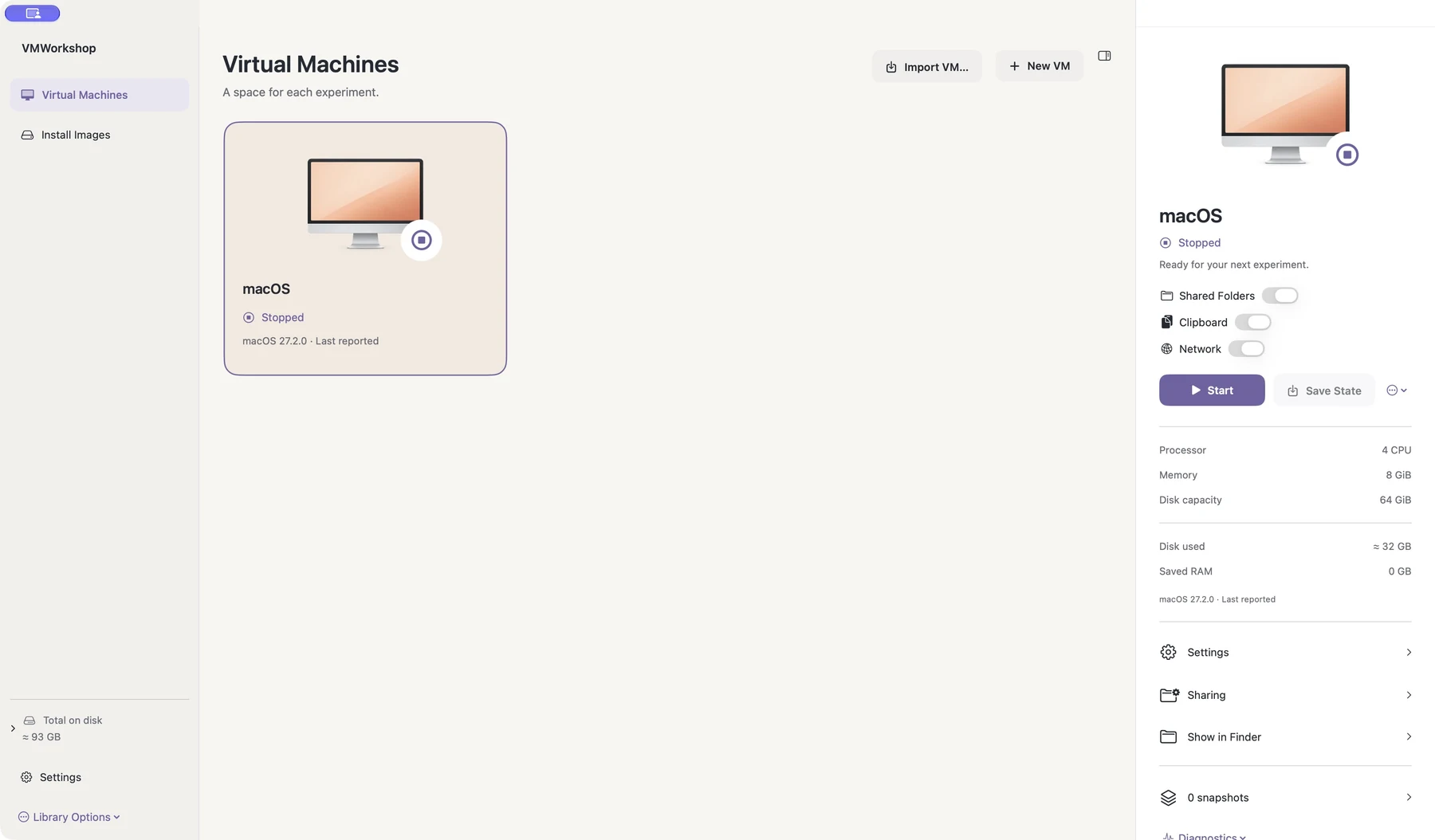
Control network, shared folders, and clipboard separately. Use Guest Tools and the CLI for repeatable workflows.
02 / A closer look
See the interface in detail.
Open any image to explore it.
03 / In practice
Choose a restore image and configure the virtual machine.
Work in its console and share only the host resources you need.
Use snapshots, clones, exports, and the CLI to carry the work forward.
Disks, settings, snapshots, and saved memory are stored in local VM bundles. A bundle may contain all data from the guest system.
Network, clipboard, and shared folders are separate controls. Enable the resources your experiment needs.
Restore image downloads contact Apple. Guest networking, shared files, and exports can move data outside a VM when you enable them.
05 / Get started
This independent application is available on request. Tell me what you want to use it for and which device and OS version you have.
Request access ↗A question about the app?
Setup, everyday use, and a direct way to get help.
Help & support ↗Contact the developer ↗