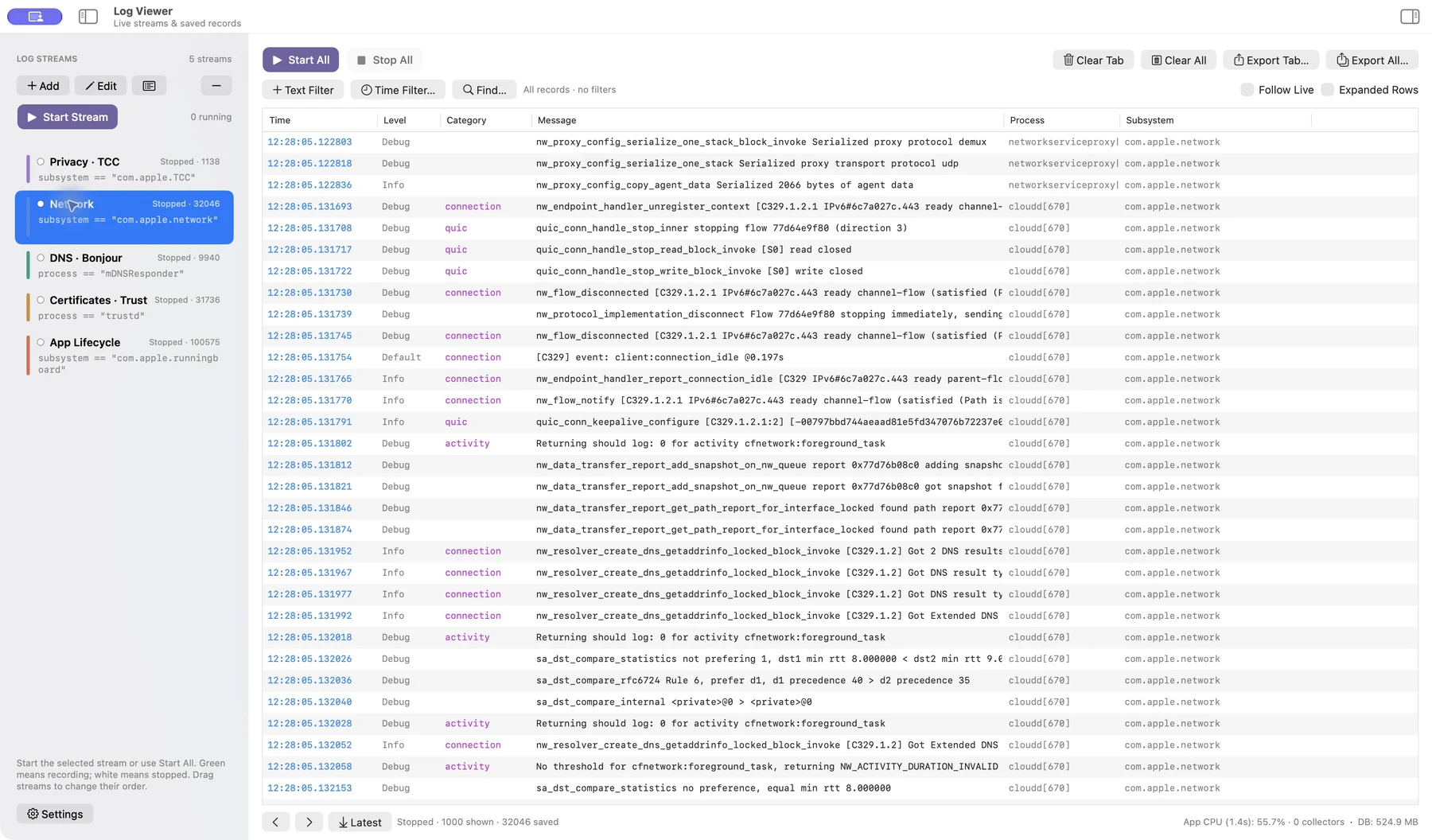
Capture in parallel
Give each predicate its own named stream. Start and stop streams independently while saved records remain available.
 Log Viewer
Diagnostics / macOS
Keep the signal. Keep the context.
When a problem crosses processes, one stream is rarely enough. Log Viewer brings multiple Unified Logging streams into a focused native workspace, with saved history you can return to.
Available on request
01 / Why it exists
Follow a subsystem, compare related streams, and narrow a long capture without losing the original record. Search and filtering are separate, so finding one message does not have to hide the context that explains it.
Give each predicate its own named stream. Start and stop streams independently while saved records remain available.
Combine text conditions, exclusions, and time ranges. Find navigates saved history and preserves the surrounding records.
Read complete messages in the inspector and export text or NDJSON with a manifest for further analysis.
02 / A closer look
See the interface in detail.
Open any image to explore it.
03 / In practice
Set a process or subsystem predicate for the issue you are investigating.
Use shared filters and time ranges, then Find to move between matches.
Inspect full record fields and export the relevant history.
Captured records and stream definitions are kept locally. Logs can contain process names, paths, identifiers, and message text.
The app shows the fields that macOS makes available. It cannot reveal private fields that the operating system has redacted.
Exports contain captured data. Review and redact sensitive records before sending them to another person.
05 / Get started
This independent application is available on request. Tell me what you want to use it for and which device and OS version you have.
Request access ↗A question about the app?
Setup, everyday use, and a direct way to get help.
Help & support ↗Contact the developer ↗